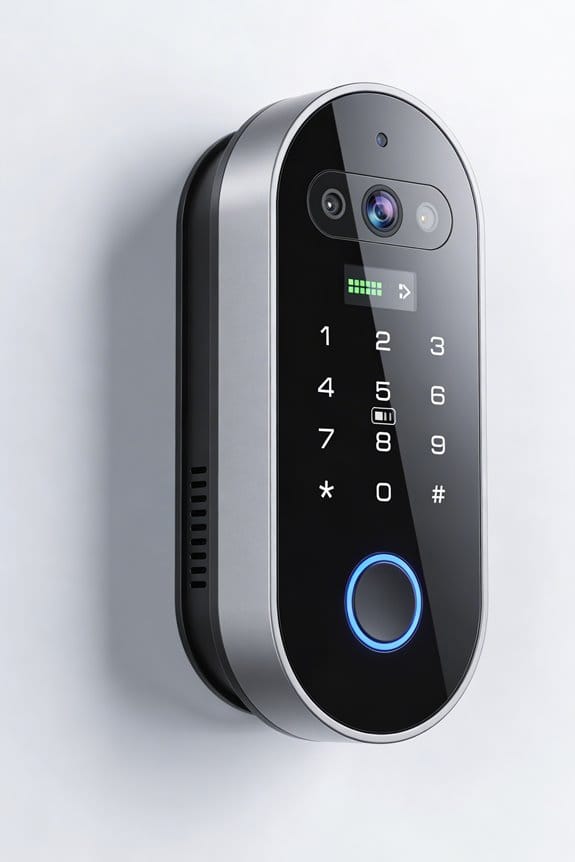
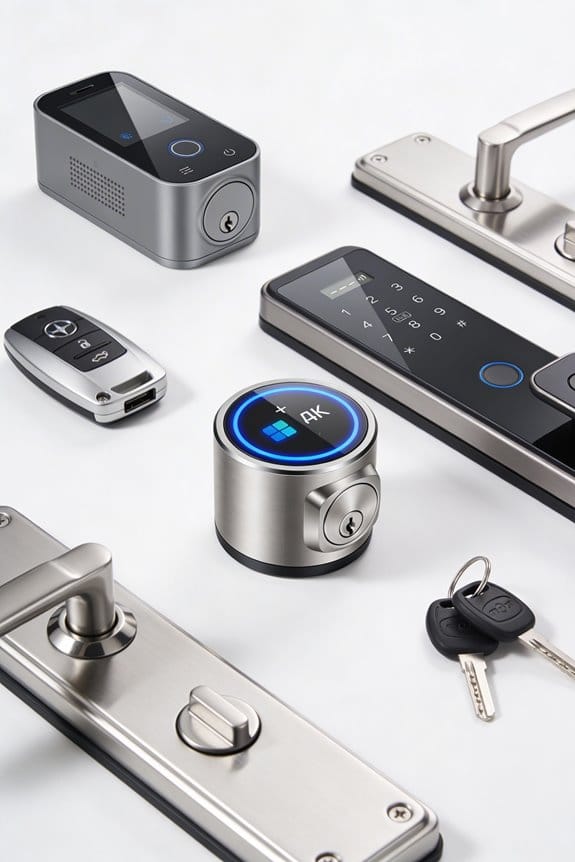

To safely share home access with service providers, we recommend using smart locks for their added security features. We can generate temporary access codes, set validity periods, and track entry logs to monitor activity. It’s important to verify service providers’ identities by checking their company-issued ID and online reviews. Once the service is complete, we should revoke access immediately to minimize security risks. For more detailed strategies and insights, continue with us to explore this further.
Key Takeaways
- Verify service providers’ identities by requesting valid company-issued IDs before granting access to your home.
- Use temporary access codes with a set validity period to limit service providers’ access duration.
- Maintain a detailed log of service appointments to keep track of who entered your home.
- Regularly review and revoke access for service providers after their service is completed to enhance security.
- Monitor real-time notifications and access logs for any suspicious activity or unauthorized entries.
Why You Need Smart Locks for Secure Home Access
Have you ever worried about whether you locked your front door? It’s a common concern, and that’s where smart locks come in. They offer a convenient way to boost your home security and give you peace of mind. Imagine being able to lock or open your doors right from your phone, no matter where you are.
There are some compelling reasons to consider smart locks for your home:
- You can set up temporary virtual keys for service providers, making giving access a breeze. Need a house cleaner to come by? No more waiting around for them to arrive; just grant them access from wherever you are.
- Monitoring who comes and goes is straightforward with smart locks. You’ll have a log that shows you exactly when someone entered or left your home. So, why does this matter? It helps you stay informed about who’s accessing your home.
- Lost or copied keys can be a major headache. With smart locks, that risk disappears entirely. This means you can finally ditch that bulky keychain; it’s all about convenience and safety.
- The best part is that you get to control who has access to your home. This gives you a better sense of security and can be especially helpful if you’re in a shared living situation.
Many smart lock systems also offer integration with home automation platforms, allowing you to customize your security setup and receive instant notifications on multiple devices.
Truth is, opting for smart locks is a smart move when it comes to protecting your home. It’s all about making your life easier while enhancing your safety.
How to Use Smart Locks for Secure Access?
How to Use Smart Locks for Secure Access?
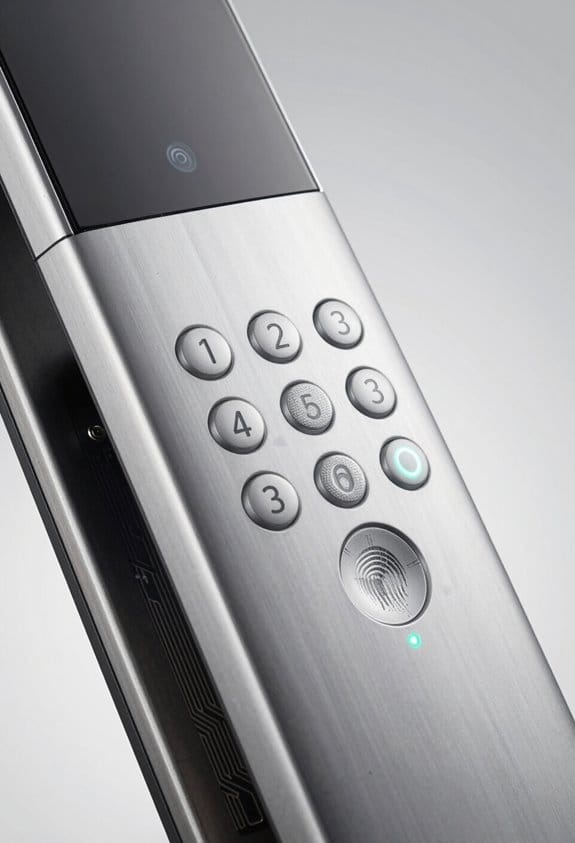
Have you ever lost your keys or worried about who might have access to your home? Smart locks can really step in and make your life a bit easier, not to mention more secure. With options like the Shepherd Lock, you can give virtual keys to service providers, which eliminates the need for physical keys altogether. Plus, you can keep an eye on who’s coming and going right from your smartphone.
Here are some helpful tips to get the most out of your smart lock:
- Regularly check access logs to see when people enter or leave your home. It’s a simple way to stay informed.
- Use remote locking to manage access as it happens. If you get a notification that your kid forgot their key, you can let them in without having to rush back home.
- Set up time-sensitive access codes. This is especially useful for granting temporary access to guests or service workers, giving you peace of mind.
So, why does this matter? Trusting technology to secure your home can feel daunting, but smart locks are designed with you in mind, making security convenient. Honestly, knowing you can control access right from your phone adds a layer of comfort we never had with traditional locks.
In short, smart locks not only provide security but also flexibility. Many smart home security systems integrate seamlessly with Alexa and Google Home for easier voice control and management.
Have you tried using a smart lock? What’s been your experience with it?
Step-by-Step Guide to Generating Temporary Access Codes
Have you ever felt anxious about sharing your home with a service provider or even friends? It’s a common concern, especially when it comes to ensuring security without the hassle of handing out physical keys. Let’s dive into the simple steps for generating temporary access codes for your smart locks.
First things first, fire up the Home App on your device. You’ll want to select the specific door lock you need to manage access for. This is where the magic happens!
Next, look for the option to create a temporary access code. It’s a straightforward process that saves you from worrying about key exchanges.
Now, here’s the important part—set a validity period for that code. Decide how long the code should work, which adds a layer of security. After all, you wouldn’t want an access code to be active longer than necessary, right?
Once you’ve got that code set up, don’t forget to track access logs. Monitoring when someone enters or exits your home can offer peace of mind. Plus, it’s helpful for keeping everyone accountable.
The best part is the automatic expiration feature. Once the time you set is up, the code will deactivate itself. No more worrying about who might have access after they’ve left!
So, why does this matter? Well, keeping your home safe shouldn’t feel like a chore. Regularly changing these codes can add extra security without complicating things. Incorporating keyless entry technology provides a seamless and secure method to control access without physical keys.
Best Practices for Verifying Service Provider Identities
Have you ever felt uneasy letting a stranger into your home? It’s a common concern, and rightly so. Verifying the identity of service providers before they step through that front door is crucial for keeping our space safe. Here’s a simple guide to help you feel more secure when hiring help.
First, always ask for identification. Before they even think of setting foot inside, make sure the service provider shows you valid, company-issued ID or credentials. It’s a straightforward step that can save you a lot of trouble later.
Next, do a little homework. It’s easy to check online for reviews and ratings of the service you’re considering. You’d be surprised how much you can learn about a company’s reputation with just a few clicks. So, why does this matter? Because knowing what others have experienced can guide your decision.
Don’t hesitate to confirm the visit with the company. A quick call can provide reassurance about who’s showing up to your home. It’s a simple move that doesn’t take much time but makes a big difference in your peace of mind.
If you’ve got smart locks, consider using temporary access codes for service providers. This way, you can give them a code that only works for a limited time. It adds another layer of security, letting you keep control over who enters and when.
Also, consider keeping a log of service appointments. Jot down names, times, and services provided. It might seem like a small step, but maintaining a record can help you track who’s been in your home and when.
Leveraging smart home integration with your security system can also help monitor service provider access in real-time for added peace of mind.
In the end, taking these simple precautions can really boost your confidence when hiring service providers. The best part is, you don’t have to feel anxious about who’s coming into your space. Are you ready to take these steps for your home security?
Quick Checklist for Revoking Access
When it comes to home security, do you ever feel that pit in your stomach when you think about who has access to your smart devices? It’s super important to know how to quickly revoke access for service providers. Here’s a straightforward checklist to help you do just that:
- Open the Home app: Tap the More button to get started.
- Select Home Settings: Find the person you want to remove from access.
- Adjust Permissions: If needed, tweak their access to specific accessories or scenes.
Honestly, after a service provider is done, it’s crucial to remove any temporary keys or access you gave them. It’s just a smart move for your peace of mind! Also, try to make it a habit to regularly review and update guest access settings in the Home app. This way, you ensure that only the people who truly need access can get in, keeping your home security tight and your smart devices safe from unwanted visitors. Many modern systems offer real-time notifications to alert you immediately of any access changes, adding an extra layer of security.
How to Analyze Access Logs for Security Insights
Ever wonder who’s really coming and going in your home? After ending access for service providers, it’s time to dive into those access logs. These records show you exactly who’s been in and out, with timestamps and user IDs right there for you to check. By digging into this info, you can catch any weird patterns or potential unauthorized attempts to get in.
Here’s the trick: set up alerts to get real-time notifications anytime someone uses the door. It’s a simple way to keep tabs on what’s going on. Also, make it a habit to regularly review these logs. This helps ensure that service providers are following the times and tasks you both agreed on.
Now, integrating these logs with your motion sensors and cameras can really boost your home’s security. You’ll have a fuller picture of what’s happening during those visits. Accountability is super important, and looking over these logs regularly is a great way to make sure you’re keeping your security standards high. Consider using a monitoring service with dual connectivity to ensure continuous logging and alerts even during internet outages.
How to Use Smart Locks for Continuous Monitoring
Have you ever wondered who’s been coming and going from your home when you’re not around? Keeping tabs on your front door might feel impossible, but with smart locks, it gets a whole lot easier. These nifty devices let you watch who enters and exits in real-time, giving you a sense of security that’s hard to beat.
You can set up temporary access codes for service providers, which is a lifesaver. Need someone to come fix a leak or deliver a package? You can give them a code that only works for a limited time, making sure they’re in and out just when you want them there.
Here’s what makes smart locks worth considering:
- Real-Time Notifications: You’ll get alerts on your phone every time someone locks or opens the door. You can know instantly if your kids are home or if a visitor arrived.
- Access Logs: The app keeps track of everyone who comes and goes, so if you ever need to check who was in your home and when, it’s all right there for you.
- Integration with Home Automation: When you leave, these locks can automatically secure your home, offering extra peace of mind.
So, why does all this matter? Imagine being out with friends and getting a notification that your teenager just got home safely. Or picture yourself at work knowing you can check the entry logs if something feels off.
Honestly, having smart locks means you’re in control, no matter where you are. The convenience they offer is pretty incredible, and it’s a simple way to enhance your home security that fits seamlessly into your life.
In short, smart locks can really help you keep a closer eye on your home. Many systems also offer professional monitoring services that provide 24/7 support and immediate emergency response.
Are you ready to take that step toward better security?
Troubleshooting Common Issues When Sharing Access
Sharing access to our smart locks is supposed to make life easier, but sometimes, it can feel more complicated than it needs to be. Ever tried to invite someone to help you out, only to hit a snag? Here are a few common bumps in the road and how to tackle them.
- Check App Permissions: First things first, take a look at your Home Settings. Ensure all the permissions are in place so that your friends or family can actually control the devices you want them to. Nothing’s worse than wanting to share access only to find out it’s not set up right.
- Invitations MIA? If an invited user hasn’t received their email, double-check that the email address is right. Remember, invitations go to iCloud-enabled addresses tied to their Apple ID. It’s a simple fix, but it can save a lot of back and forth!
- Keep Apps Updated: Don’t let outdated apps mess with your smart home experience. Make sure everyone has the latest version of the Home app. It’s a small detail, but it can make a big difference when you’re trying to share access.
- Access Issues: If something goes awry and access seems revoked, just head back to those Home Settings to verify permissions again. It’s surprising how often a little reset is all you need.
- Consider the advantages of integrating your system with smart home integration platforms like Alexa or Google Assistant to enhance control and convenience when sharing access.
So, what if you’ve tried all of this and things still aren’t working? Turning to troubleshooting guides or support resources is a smart next step.
In the end, sharing access does add a level of convenience, but it’s always good to be prepared for a hiccup or two. Have you ever run into issues with sharing access? What did you do to resolve them?
Frequently Asked Questions
Can You Share Homekit Access?
Yes, we can share HomeKit access securely by inviting service providers to control specific shareable devices. This way, we maintain HomeKit security while ensuring they only access what’s necessary during their time with us.
How to Share Home Connect With Family?
To share home connect with family, we can use home sharing through the Home app. By adding family members and managing their permissions, we guarantee effective family management while keeping our smart devices organized and accessible.
Can Multiple People Use Homekit?
When we say we’ve got this covered, it turns out HomeKit’s multiple user capabilities truly shine. We can invite family or friends while maintaining privacy, ensuring everyone accesses only what they need.
How Do I Manage Sharing Access on My iPhone?
We manage sharing access on our iPhone by adjusting settings in the Home app. By carefully configuring access privacy, we can invite others while ensuring our home remains secure and permissions are tailored to our needs.