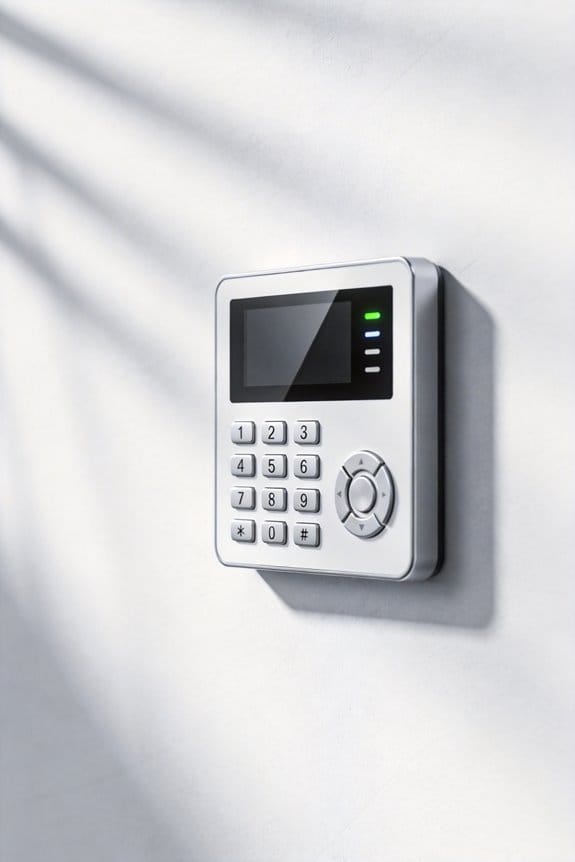

To protect against security system hacking attempts, we must first understand the risks involved. Simple measures include changing factory-set passwords, enabling automatic software updates, and using unique passwords for each account. We should also monitor our accounts for any unusual activity and be cautious of phishing scams. If we suspect a breach, changing passwords immediately and reporting the incident is essential. By prioritizing cybersecurity practices, we can enhance our safety and effectiveness. There’s much more to explore on this topic.
Key Takeaways
- Regularly change default passwords and use strong, unique combinations for each device to enhance security.
- Keep all software and firmware up to date to patch vulnerabilities and prevent exploits.
- Implement multi-factor authentication to add an additional layer of protection for your accounts.
- Monitor your accounts frequently for unauthorized access and unusual activities.
- Invest in advanced security systems that utilize real-time alerts and AI detection for immediate threat responses.
Understanding the Risks of Security System Hacking
You may be interested



Have you ever thought about how vulnerable your home security system might be? With everything going digital, it’s crucial to understand the risks of security system hacking to keep yourself and your family safe. Data breaches happen way too often these days, mostly because of weak passwords and outdated software. Many of those smart home devices we trust can be taken over easily, giving hackers access to our private information.
Try this: regularly change those factory-set passwords. They’re often the easiest way for someone to bust into your system. When you do this consistently, you beef up your security significantly. You should also enable automated updates on your devices. Keeping software current isn’t just a good idea, it helps patch vulnerabilities that hackers love to exploit.
And let’s not forget about multi-factor authentication. Adding an extra layer of security can make a huge difference in protecting your data from breaches. So, why does this matter? Because, frankly, insufficient encryption and old firmware make you an easy target for malware and denial-of-service attacks.
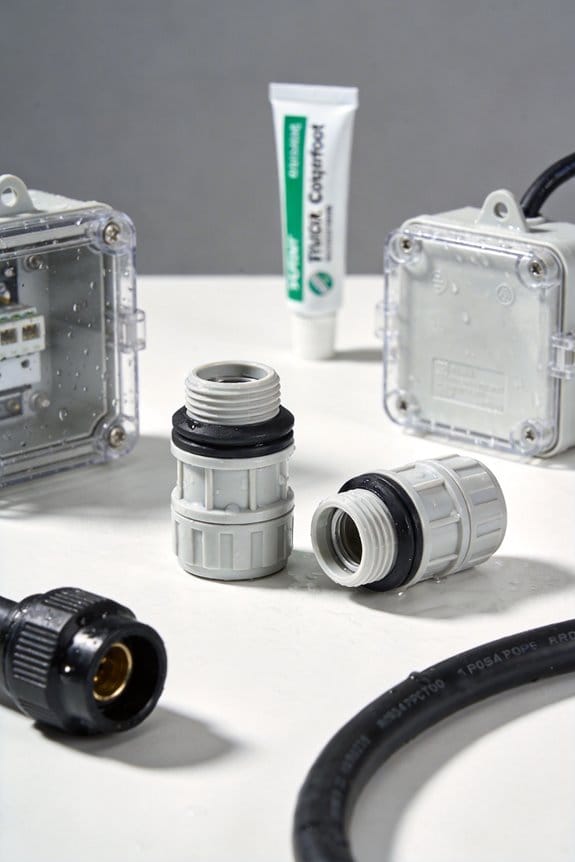
It’s equally important to ensure your cameras have a reliable weatherproof rating, so physical tampering or environmental damage doesn’t compromise your system.
By recognizing these risks upfront, you can take some simple yet effective steps to secure your home and your personal information. Remember, the best part is that these proactive measures don’t take much time but can save you a ton of headaches down the line.
In short, make a habit of updating passwords and software, and consider a multi-factor authentication approach. What steps are you taking to keep your home secure?
Recommended Products

【Motion Detection & Instant Notification】Get instant push notifications when motion, person or baby crying is detected, there is no additional fee to use it as a baby camera monitor. Discern from notifications that matter, so you'll know if its your pet playing around or if someone is actually there. Connects via 2.4GHz Wi-Fi Band

【Motion Detection & Instant Notification】Get instant push notifications when motion, person or baby crying is detected, there is no additional fee to use it as a baby camera monitor. Discern from notifications that matter, so you'll know if its your pet playing around or if someone is actually there. Connects via 2.4GHz Wi-Fi Band

Outdoor 4 is our most affordable wireless smart security camera yet, offering up to two-year battery life for around-the-clock peace of mind. Local storage not included with Sync Module Core.
Simple Cyber Hygiene Tips You Can Follow
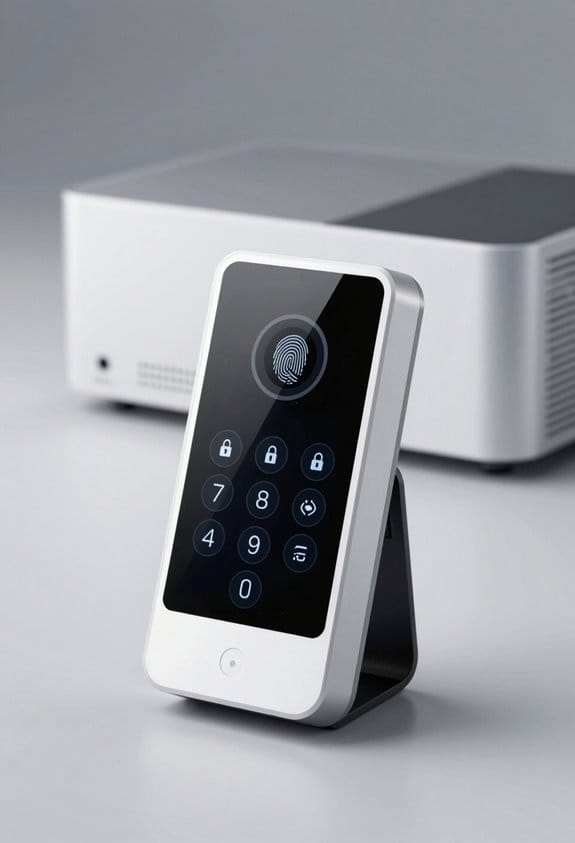
Ever received an email that made your heart race a little? You know the kind—it’s from someone claiming to be from your bank or a tech company, and they want you to click a link. These phishing attempts are all too common, but there are ways to keep your digital life secure.
First off, strong passwords are a must. You want at least 12 characters that mix numbers, symbols, and letters. Think of your password as your first line of defense—don’t skip on this! If you haven’t already, try using a password manager. It’ll help you keep track of complex passwords without breaking a sweat.
Speaking of defenses, enabling multi-factor authentication is another simple step you can take. This adds an extra layer of security for your online accounts. It’s as easy as setting up an additional verification step, like a text message or an authentication app. Trust me, it’s worth it for the extra peace of mind.
Now, let’s talk about those suspicious emails again. If something looks off, it probably is! Don’t click on links or download attachments from unknown sources. You wouldn’t accept a package from a stranger at your door, right? So, why do it in your inbox?
Keeping your devices safe should also be a priority. Regularly running antivirus software can catch those pesky vulnerabilities. Make sure your software is set for automatic updates, too. That way, your devices stay protected without you having to think twice about it.
Lastly, don’t forget to review your privacy settings on social media platforms. It’s surprising how much personal info we share without realizing it. Take a minute to check what you’re comfortable sharing publicly. Are you okay with every detail of your life being visible to anyone with a profile?
Also, consider investing in a reliable home security system with professional monitoring to safeguard your physical and digital spaces.
Recommended Products

【One Master Password, Complete Control】Don't bother memorizing dozens of passwords anymore. Our password manager only requires a master password to securely access all your stored credentials. Say goodbye to forgotten passwords.

No more Password Aggravation:This book will simplify your electronic life and free you from the constant frustration of trying to remember and reset your passwords. You can record longer and more complex passwords and never forget them again.

Individual A-Z Tabs for Quick Access: No need for annoying searches! With individual alphabetical tabs, this password keeper book makes it easier to find your passwords in no time. It also features an extra tab for your most used websites. All the tabs are laminated to resist tears.
Strengthening Your Online Account Security
Strengthening your online account security has never been more important. With cyber threats growing more clever every day, it can feel a bit overwhelming. Have you ever thought about how many accounts you manage that are just a password away from being compromised? Creating strong, unique passwords is a great place to start. Aim for at least 12 characters that mix letters, numbers, and symbols. It might be a bit of a hassle, but trust me, it’s worth it.
Once you have those passwords set, don’t forget to enable multi-factor authentication (MFA) whenever it’s an option. That additional layer of security can really make a difference. It’s like adding a deadbolt on your door after you’ve already locked it.
You should also keep an eye on your security settings for your social media and other accounts. Regular updates can help keep your personal info under wraps. And let’s be honest, suspicious emails and links popping up in your inbox can be huge red flags. Are you really paying attention when you see that sketchy message? It’s so easy to click without thinking.
Another crucial aspect is to monitor your account activity regularly for anything that looks off. Have you ever spotted unexpected transactions? It’s unsettling, but it happens. If you notice anything suspicious, don’t hesitate to report it to your service providers right away.
Here are some quick tips that can really help:
- Consider using a password manager to keep track of your different passwords.
- Setting calendar reminders for routine security checks can nudge you in the right direction.
Also, make sure your home security devices have strong passwords and encrypted connections to reduce the risk of hacking attempts.
Recommended Products


How to Spot and Avoid Phishing Scams?
Have you ever gotten an email that just felt off, making you question whether it was real or not? Phishing scams love to create a sense of urgency, pushing you to act quickly without thinking things through. To steer clear of these traps, remember these straightforward steps:
First, check the sender’s address. If it looks unfamiliar or raises any suspicions, that’s a big red flag. Trust your instincts here.
Next, look out for poor grammar or spelling mistakes. These often signal that the email isn’t what it claims to be. You wouldn’t expect a legitimate company to send out emails filled with errors, right?
Here’s the trick: Don’t click on any suspicious links. Instead of following a link in the email, go directly to the organization’s website or call them up to verify. This simple step can save you a lot of trouble.
It’s also smart to keep antivirus software on your devices. These tools are designed to catch threats before they can reach you, acting like a first line of defense.
Oh, and don’t forget about your passwords. Make sure they’re unique for each account. This extra layer of protection can make a world of difference.
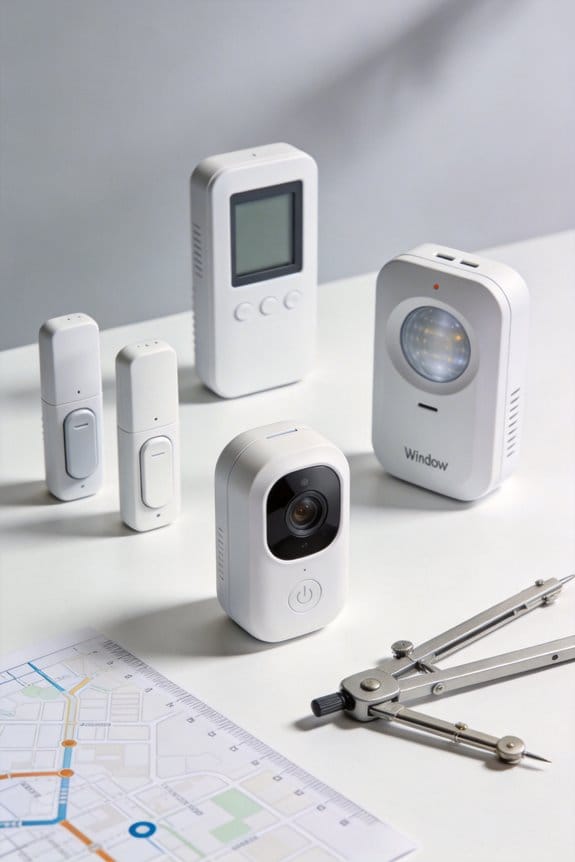
Additionally, choosing security systems with expandable sensor options allows you to enhance your home protection dynamically as threats evolve.
Recapping, staying safe from phishing scams is all about being cautious and staying informed. So, the next time an email raises a red flag, how will you handle it?
Recommended Products

DEVICE SECURITY - Award-winning McAfee antivirus, real-time threat protection, protects your data, phones, laptops, and tablets

MCAFEE TOTAL PROTECTION IS ALL-IN-ONE PROTECTION — delivering award-winning antivirus for 3 devices, with identity monitoring and VPN
![Norton 360 for Amazon, Antivirus software for up to 5 Devices with Auto Renewal - Includes Scam Protection Pro, VPN & Dark Web Monitoring [Subscription]](https://m.media-amazon.com/images/I/51aR0Im4+KL._SL500_.jpg)
ONGOING PROTECTION You can download instantly to install protection for up to 5 PCs, Macs, iOS or Android devices in minutes!
Steps to Take After a Cybersecurity Breach
Have you ever faced the panic that comes after realizing your device has been hacked? It can feel overwhelming, but don’t let that paralyze you. Acting fast is crucial to keep the damage to a minimum. Here’s what you need to do right away:
First, change your passwords. This might seem obvious, but it’s incredibly important. Get into every account accessed on the compromised device and update those passwords. Aim for strong, unique combinations to make it harder for anyone to break in again.
Next, take a good hard look at your devices. It’s best to have any compromised equipment checked out by a trusted specialist. Keep it disconnected from the Internet during the inspection so no further vulnerabilities can be exploited.
And don’t forget about your contacts. Let them know about the breach. This little gesture can save them from falling for any phishing attempts by hackers trying to exploit your connection.
Plus, keep an eagle eye on your finances. Don’t just skim through your statements; really check for any transactions you didn’t authorize.
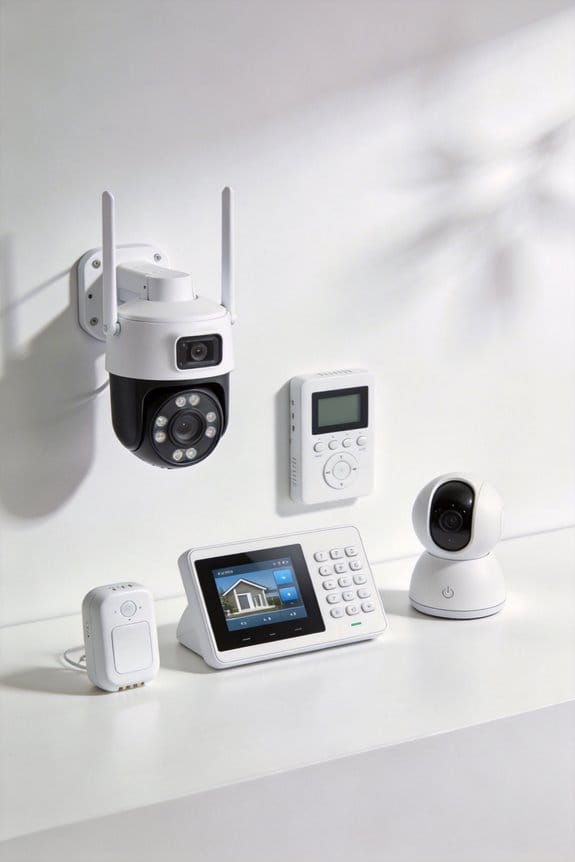
Also, consider investing in a wireless home security kit which can offer you real-time alerts and multiple layers of protection as part of your overall cybersecurity approach.
So, why does this matter? Because staying proactive can help safeguard your identity and peace of mind.
To wrap it up, dealing with a cybersecurity breach is no walk in the park, but taking these steps can really help protect you and those around you. Have you thought about how you’d respond if it happens again?
Recommended Products

A great fit for 2-4 bedroom homes, this Alarm Kit includes one Base Station, two Keypads, eight Contact Sensors, two Motion Detectors, and one Range Extender.

Simple to set up. Seriously secure. Get ready to protect right out of the box. Just plug in the Base Station and camera, place your sensors, and start protecting your home. No wiring or drilling required. The SimpliSafe App will walk you through the details or contact SimpliSafe directly for professional installation.

Outdoor 4 is our most affordable wireless smart security camera yet, offering up to two-year battery life for around-the-clock peace of mind. Local storage not included with Sync Module Core.
Reporting Incidents and Staying Informed
Have you ever experienced the frustrating aftermath of a hacking incident? It can feel overwhelming, but reporting it and staying informed are crucial steps we can take. When you report an incident to the FBI and FTC, you’re not just protecting yourself—you’re helping to shield others from similar attacks. Plus, it’s a way to contribute to ongoing investigations that could lead to catching the bad guys. And don’t forget to let your close connections know about the breach; hackers often go after our friends and family through our own networks.
So, how do you navigate this tricky situation? Here are some practical steps:
- Keep a detailed log of any incidents you’ve faced. Jot down dates, descriptions, and anything else that might be useful down the line.
- Stay in the loop about current cyber threats. CISA offers great resources that can help you stay informed about what’s happening in the cyber world.
- If you get the chance, join CISA workshops. They offer valuable insights into boosting your cybersecurity knowledge.
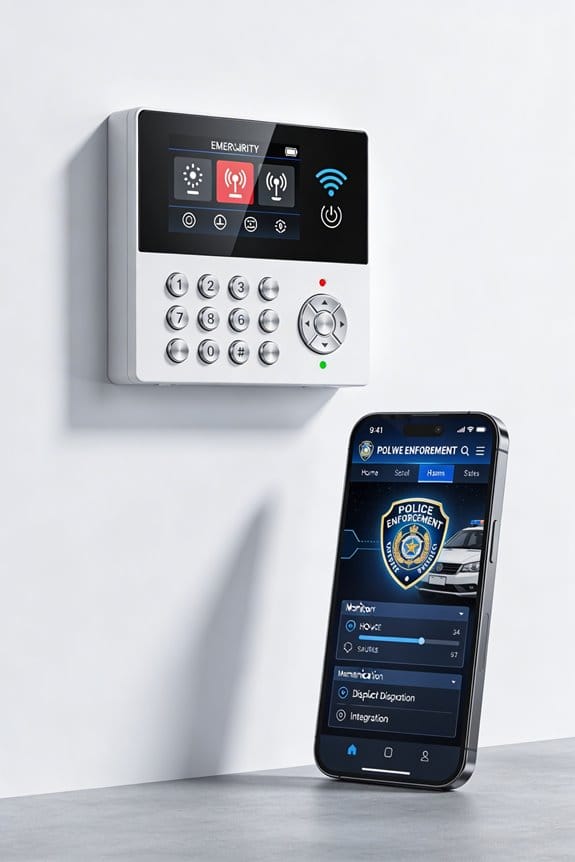
Honestly, knowing what to do in the wake of a cyber incident is half the battle. The more informed you are, the better you can protect yourself and your community. Additionally, using advanced AI detection technologies in home security systems can help minimize false alerts and improve your overall protection.
Frequently Asked Questions
What Are the 5 C’s in Security?
Like a sturdy fortress, the 5 C’s in security—Criticality, Capacity, Capability, Compliance, and Confidentiality—form our blueprint for Cybersecurity Essentials, guiding us through Risk Assessment, Access Control, Data Encryption, Incident Response, Security Awareness, and Continuous Monitoring.
What Is the Best Defense Against a Cyber Attack?
The best defense against a cyber attack includes strong passwords, timely software updates, and employee training. We should also implement multi-factor authentication, access controls, network segmentation, and conduct regular audits to stay ahead of threats.
Does a VPN Protect You From Hackers?
A VPN doesn’t completely shield us from hackers, but its benefits—like data encryption, IP address masking, and enhanced cyber privacy—create layers of security that protect our online anonymity, especially when accessing unsecured networks together.
What Method of Defense Can Help Deter Hackers?
To deter hackers, we should implement firewall configurations, enhance password management, utilize encryption techniques, employ network segmentation, and leverage monitoring tools. It’s vital we stay security aware and have a solid incident response plan ready.